Koomi AI brand system
Brand assets
Official Koomi AI marks, icons, colors, and social artwork for press, partners, and product integrations.

Customer feedback · Multica issue · Reviewed product update
01 / Mark
The Koomi mark
A continuous K-shaped loop connects customer support to reviewed product engineering. Use the blue mark on light surfaces and the light mark on dark surfaces.

02 / Icon
App icon and favicon
The full-bleed blue icon keeps the loop recognizable in browser tabs, bookmarks, home screens, and integration directories.

03 / Social
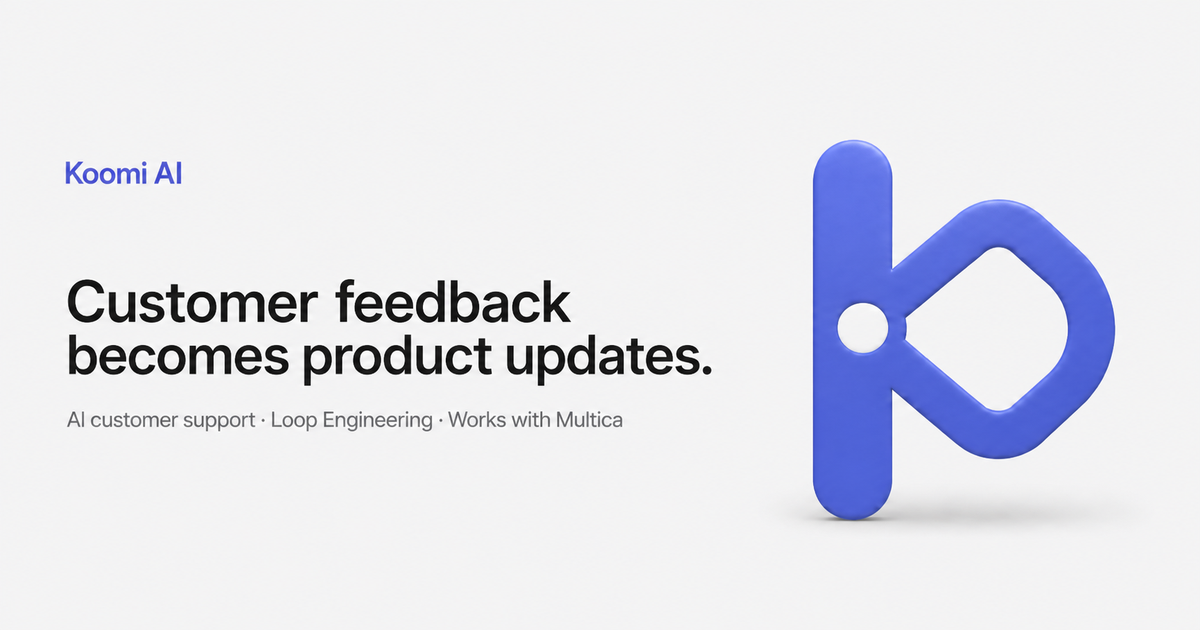
Social preview
Use the 1200 x 630 card when a Koomi AI page or announcement needs a consistent preview on social platforms.
04 / Color
Color system
Koomi Blue is the only chromatic brand accent. Warm neutrals keep product evidence and customer context easy to read.
05 / Guidelines
Use the loop with clarity
Keep the symbol calm, legible, and recognizably Koomi across press coverage, partner pages, and integrations.
Do
- Keep clear space around the mark equal to the center node diameter.
- Use supplied artwork without redrawing the loop.
- Use Koomi AI on first mention and Koomi afterward.
Don't
- Do not stretch, rotate, outline, or rearrange the mark.
- Do not add gradients, glow, or unapproved colors.
- Do not imply that Koomi AI automatically deploys product changes.
Everything in one download
The complete package includes editable SVG sources, production PNGs, favicon files, app icons, the social card, and the brand guide.